
Modern life moves fast, and keeping your living spaces clean can feel like a constant battle against dust, crumbs, and debris. Traditional vacuum cleaners work well for deep cleaning sessions, but they’re often too bulky and time-consuming for the quick touch-ups you need throughout the day. This is where mini vacuum cleaners become invaluable tools in your cleaning arsenal.
These compact devices have revolutionized how we approach daily maintenance cleaning. They’re perfect for tackling small messes the moment they happen, preventing dirt from accumulating into bigger problems. Whether you’re dealing with breakfast crumbs, pet hair on furniture, or dust on your workspace, a mini vacuum offers an efficient solution.
This comprehensive guide will show you exactly how to maximize the benefits of your mini vacuum cleaner. You’ll discover practical techniques, maintenance tips, and strategies for incorporating this handy device into your daily routine. By the end, you’ll wonder how you ever managed without one.
Understanding Your Mini Vacuum’s Capabilities
Before diving into usage techniques, it’s important to understand what mini vacuums can and cannot do. These devices excel at spot cleaning and maintaining cleanliness between deeper cleaning sessions. They’re designed for convenience and portability rather than replacing your full-sized vacuum.
Mini vacuums typically feature less powerful motors than their full-sized counterparts. However, this doesn’t mean they’re ineffective. Their suction power is perfectly calibrated for the types of messes they’re designed to handle. Crumbs, dust, pet hair, and small debris are well within their capabilities.
The compact size makes them ideal for hard-to-reach areas where traditional vacuums struggle. Think about the spaces between couch cushions, keyboard crevices, car interiors, and tight corners. These are exactly the spots where mini vacuums shine brightest.
Additionally, most mini vacuums operate on rechargeable batteries, eliminating the hassle of cords and outlet hunting. This cordless design means you can grab the device and start cleaning immediately, making it perfect for quick cleanups throughout your day.
Setting Up Your Lightweight Cordless Vacuum
Getting started with your mini vacuum requires minimal setup, but doing it correctly ensures optimal performance from day one. Most devices come partially charged, but you should fully charge the battery before first use to maximize battery life and performance.
Locate the charging dock or cable that came with your device. Place the dock in an accessible location where you’ll remember to grab the vacuum when needed. Kitchen counters, office desks, and entryway shelves are all excellent spots. The key is convenience, as you’re more likely to use the vacuum when it’s within easy reach.
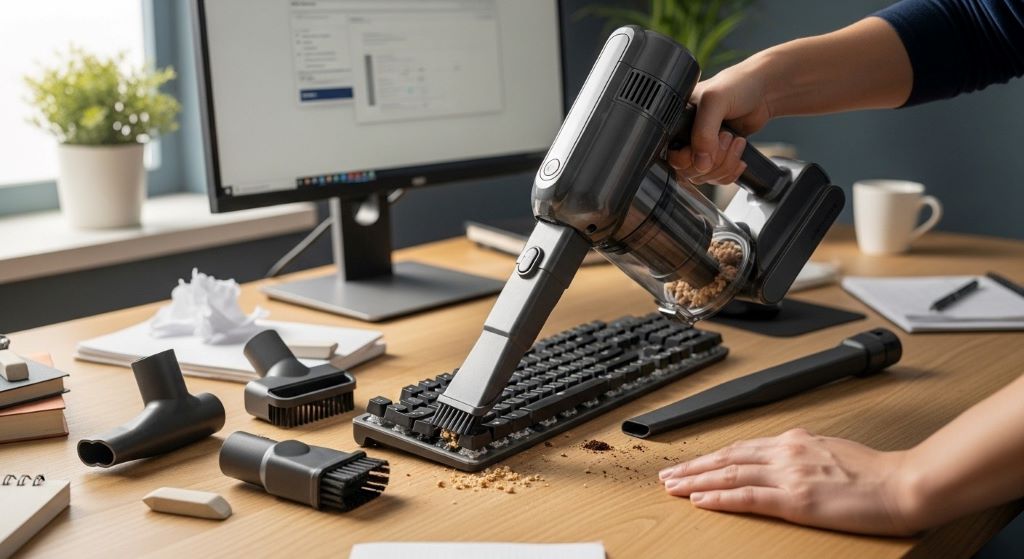
Familiarize yourself with all the attachments that came with your mini vacuum. Most models include several specialized tools for different cleaning tasks. A brush attachment helps with upholstery and fabric surfaces. A crevice tool reaches into narrow spaces. A rubber nozzle works well for pet hair removal.
Check the dust collection bin and ensure it’s properly installed. Some models use disposable bags, while others have washable containers. Understanding your specific model’s collection system helps you maintain it properly and empty it efficiently.
Read through the instruction manual to understand your vacuum’s specific features. Some models have multiple power settings, while others operate at a single speed. Knowing these details helps you use the device more effectively.
Daily Cleaning Routines with Your Mini Vacuum
Incorporating a mini vacuum into your daily routine transforms how you maintain cleanliness. Rather than waiting for visible dirt to accumulate, you can address messes immediately, keeping your spaces consistently clean with minimal effort.
Start your morning by quickly vacuuming your breakfast area after eating. Crumbs from toast, cereal, or pastries take just seconds to remove with a mini vacuum. This prevents you from tracking food particles throughout your home and deters pests from taking interest in your dining spaces.
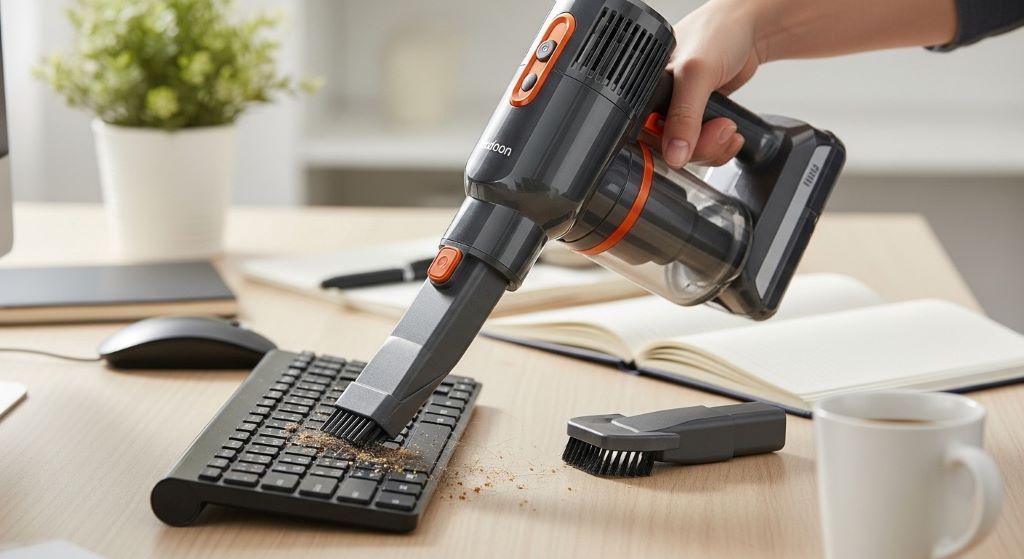
Throughout the workday, use a desk vacuum cleaner to maintain your workspace. Dust settles constantly on desks, keyboards, and electronics. A quick daily vacuum prevents buildup that can affect your equipment’s performance and appearance. This takes less than a minute but makes a noticeable difference in your work environment’s cleanliness.
After returning home, target high-traffic areas where dirt accumulates quickly. Entryways, where outdoor debris enters your home, benefit from daily attention. Pet owners should vacuum favorite lounging spots daily to control hair and dander. These quick passes prevent deep cleaning from becoming an overwhelming task.
Before bed, do a final sweep of common areas. Living room furniture, especially where people eat snacks while watching television, often harbors crumbs and debris. A nightly cleanup ensures you wake up to tidy spaces and prevents organic matter from attracting unwanted pests.
Mastering Different Surfaces and Materials
Different surfaces require slightly different approaches to achieve the best results. Understanding how to adapt your technique maximizes your mini vacuum’s effectiveness across various materials.
Hard surfaces like countertops, tables, and desks are the easiest to clean. Hold the vacuum at a slight angle and move slowly across the surface. Quick movements reduce suction effectiveness, so patience pays off. For stubborn particles, make multiple passes over the same area.
Upholstered furniture needs a gentler approach. Use the brush attachment to avoid damaging fabric while lifting embedded debris. Move in the direction of the fabric’s nap when possible. For pet hair, which clings stubbornly to fabric, try slightly dampening the upholstery first to help hair clump together for easier removal.
Keyboards and electronics require special care. Use the lowest power setting if available, and the crevice tool to navigate between keys. Hold the keyboard at an angle to let gravity assist in dislodging debris. Never use high suction directly on delicate electronics, as this can damage sensitive components.
Car interiors present unique challenges due to various surface types in confined spaces. Start with seats, using appropriate attachments for fabric or leather. Move to floor mats, which often contain the most debris. Don’t forget cup holders, door pockets, and the space between seats where items frequently fall.
Carpeted areas respond well to mini vacuums for spot cleaning, though they’re not meant to replace regular vacuuming. When tackling spills on carpet, let liquid spills dry first, then vacuum up the residue. For ground-in dirt, use a back-and-forth motion with slight pressure to lift particles from carpet fibers.
Maximizing Battery Life and Performance
A lightweight cordless vacuum‘s biggest advantage is its portability, but this depends entirely on battery performance. Understanding how to optimize battery life ensures your vacuum is always ready when you need it.
Charge your vacuum according to manufacturer recommendations. Some batteries perform best when fully discharged before recharging, while others prefer partial discharge cycles. Lithium-ion batteries, found in most modern mini vacuums, generally prefer regular charging rather than complete depletion.
Avoid leaving your vacuum on the charger indefinitely once fully charged. This can reduce battery lifespan over time. Similarly, don’t let the battery remain completely dead for extended periods. If you won’t use the vacuum for weeks, store it with a partial charge, typically around 50 percent.
Temperature affects battery performance significantly. Extreme heat or cold reduces battery efficiency and lifespan. Store your vacuum in climate-controlled areas away from direct sunlight, heating vents, or drafty windows. This simple step extends both battery and device longevity.
Clean the charging contacts periodically with a dry cloth. Dust and debris on these connections can interfere with proper charging, leading to performance issues that seem like battery problems but are actually maintenance issues.
Monitor your vacuum’s run time. If you notice significantly reduced operating time between charges, the battery may be nearing the end of its life. Most manufacturers offer replacement batteries, which is more economical than replacing the entire device.
Maintenance for Longevity
Regular maintenance keeps your mini vacuum performing at its best and extends its operational life significantly. Most maintenance tasks take just minutes but make a substantial difference in performance.
Empty the dust collection bin after every use, or at least when it reaches the fill line. Overflowing bins dramatically reduce suction power and can damage the motor. Additionally, organic matter left in bins can develop odors and attract pests.
Wash the collection bin weekly if your model features a washable container. Use warm water and mild soap, rinse thoroughly, and let it dry completely before reinstalling. Moisture in the system can damage electrical components and promote mold growth.
Check and clean filters regularly according to your model’s specifications. Most mini vacuums use foam or HEPA filters that require monthly cleaning or replacement. Clogged filters reduce suction and force the motor to work harder, shortening its lifespan. Some filters are washable, while others need replacement every few months.
Inspect attachments for blockages and clean them as needed. Hair and fibers often wrap around brush attachments, reducing their effectiveness. Remove these obstructions with scissors or your fingers, being careful not to damage bristles.
Wipe down the exterior with a slightly damp cloth to remove dust and maintain appearance. Check the intake area for any obstructions that might have gotten lodged during use. Small items like paper clips or staples can block airflow and damage internal components.
Organizing Accessories and Storage
Proper storage and organization ensure your mini vacuum and its accessories remain accessible and in good condition. A well-organized system encourages regular use and prevents attachment loss.
Keep all attachments together in a designated container near the vacuum’s charging station. Small baskets, drawer organizers, or the storage case that came with your vacuum all work well. When attachments are organized and accessible, you’re more likely to use the right tool for each job.
Consider mounting the charging station on a wall if counter space is limited. Many models come with mounting hardware, or you can use adhesive hooks designed for the weight. Wall mounting keeps the vacuum visible and accessible while freeing up valuable surface space.
Store cleaning cloths and any maintenance tools near the vacuum. Having everything in one spot makes routine maintenance quicker and easier, increasing the likelihood you’ll keep up with necessary care tasks.
Label attachments if multiple family members use the vacuum. This education prevents people from using inappropriate attachments that might damage surfaces or the vacuum itself. A simple label maker can create clear, professional-looking tags.
If you travel frequently, keep a dedicated travel case with a mini vacuum and essential attachments in your car or luggage. This ensures you always have cleaning tools available, whether you’re dealing with spills in the car or maintaining cleanliness in hotel rooms.
Creative Uses Beyond Basic Cleaning
Mini vacuums are versatile tools that extend far beyond obvious cleaning applications. Discovering creative uses adds even more value to your investment.
Craft enthusiasts find mini vacuums indispensable for cleaning up after projects. Glitter, paper scraps, thread trimmings, and other craft debris disappear quickly without spreading throughout your workspace. The precision of these devices prevents accidental vacuuming of small craft supplies.
Pet owners use mini vacuums for grooming-related cleanup. After brushing your pet, vacuum the area immediately to prevent hair from spreading. Some people even use specialized attachments to vacuum pet bedding daily, reducing allergens and keeping sleeping areas fresh.
Plant care becomes easier with a mini vacuum. Use it to clean up fallen leaves, spilled soil, and dead plant material around houseplants. The gentle suction won’t disturb healthy plants while keeping their surroundings tidy.
Makeup application areas benefit from quick daily vacuuming. Powder products, especially eyeshadow and face powder, create fine dust that settles on vanities and bathroom counters. A desk vacuum cleaner handles these particles better than wiping, which can smear makeup into surfaces.
Workshop and garage spaces need frequent spot cleaning due to sawdust, metal shavings, and other project debris. Mini vacuums offer convenient cleanup without hauling out large shop vacuums for small messes. This encourages better workspace maintenance and safety.
Teaching Children Cleaning Habits
Mini vacuums provide an excellent opportunity to teach children responsibility and good cleaning habits. Their size and ease of use make them perfect for young helpers.
Start by demonstrating proper use and explaining how the vacuum works. Children are more likely to use tools correctly when they understand the mechanism. Show them how to empty the collection bin and emphasize the importance of this regular maintenance.
Assign age-appropriate cleaning zones where children take responsibility for daily vacuuming. A child’s desk, play area, or their section of the dining table gives them ownership over cleanliness in their space. This builds lifelong habits while reducing your workload.
Make cleaning feel less like a chore by setting timers for quick cleaning sessions. Challenge children to vacuum their area before the timer beeps. Gamifying the task increases engagement and teaches efficiency.
Praise thorough cleaning and address issues constructively. If a child misses spots, show them how to identify problem areas rather than criticizing. Positive reinforcement builds confidence and encourages continued participation in household tasks.
However, always supervise young children when using any electrical device. Establish clear rules about when and how the vacuum should be used. Safety should always come before convenience.
Troubleshooting Common Issues
Even well-maintained mini vacuums occasionally experience problems. Knowing how to troubleshoot common issues saves time and prevents unnecessary replacements.
Weak suction usually indicates a clogged filter, full collection bin, or blockage in the intake. Start by emptying the bin and cleaning or replacing the filter. If suction remains weak, check all attachments and the intake area for obstructions. Hair and fibers commonly wrap around internal components, restricting airflow.
The vacuum won’t charge could stem from several causes. First, check that the charging cable is firmly connected to both the vacuum and power outlet. Try a different outlet to rule out electrical issues. Inspect charging contacts for debris and clean if necessary. If problems persist, the battery or charging circuitry may need professional service.
Strange noises during operation often signal something caught in the motor or fan. Stop using the vacuum immediately and inspect for blockages. Continuing to operate a vacuum making unusual sounds can cause permanent motor damage.
The device turns off unexpectedly might indicate overheating protection activation. Mini vacuum motors can overheat if filters are clogged or the unit is overworked. Let it cool for 15-20 minutes, then address any maintenance issues before resuming use.
Reduced battery life is normal as batteries age, but premature degradation suggests improper charging habits or storage conditions. Evaluate your charging routine and storage environment. If the vacuum is relatively new and battery life is poor, contact customer service about warranty coverage.
Choosing the Right Mini Vacuum for Your Needs
If you’re in the market for a mini vacuum, understanding what features matter most helps you make a wise investment. Not all mini vacuums are created equal, and matching features to your specific needs ensures satisfaction.
Consider suction power relative to your primary uses. Light duty cleaning like crumbs and dust requires less power than pet hair removal or car detailing. Check specifications or user reviews to gauge real-world performance, as manufacturer claims sometimes exceed actual results.
Battery life varies significantly between models. If you plan extensive daily use, prioritize longer run times. For occasional quick cleanups, shorter battery life may be acceptable, especially if the trade-off is a lighter, more compact design.
Weight and size affect usability, especially if you have limited hand strength or plan to use the vacuum overhead. Test the weight in the store if possible, or check detailed specifications online. Remember that lighter isn’t always better if it comes with reduced capacity or power.
Dust collection capacity determines how often you’ll need to empty the bin. Larger capacities mean less frequent emptying but add weight and size. Consider your typical mess sizes and cleaning frequency when evaluating capacity needs.
Attachment variety expands versatility but adds complexity and storage requirements. Assess which attachments you’ll actually use rather than being swayed by quantity alone. A few quality, useful attachments beat many seldom-used ones.
Conclusion
Mini vacuum cleaners have earned their place as essential tools for modern households. Their convenience and efficiency make daily cleaning less of a chore and more of a quick, manageable task. By incorporating a lightweight cordless vacuum into your routine, you maintain consistently cleaner spaces with minimal time investment.
The key to success lies in strategic placement, regular maintenance, and developing habits that leverage these devices’ strengths. Keep your mini vacuum accessible, charged, and ready to tackle messes the moment they occur. This proactive approach prevents small issues from becoming major cleaning projects.
Understanding proper techniques for different surfaces and materials ensures you get the best results without damaging your belongings. Regular maintenance extends your vacuum’s life and maintains its performance, protecting your investment for years of reliable service.
Whether you’re using a desk vacuum cleaner to maintain your workspace, tackling car interiors, or managing pet hair on furniture, these compact devices offer solutions that fit seamlessly into busy lives. The small time investment in daily spot cleaning pays dividends in overall home cleanliness and reduced stress around household maintenance.
Embrace the convenience that mini vacuums provide and watch how they transform your approach to daily cleaning. Your consistently tidy spaces and the time you save will prove that good things really do come in small packages.
Frequently Asked Questions
How long should I charge my mini vacuum before first use?
Most mini vacuums should charge for at least 3-4 hours before first use, though some models require longer initial charging. Check your specific model’s manual for exact recommendations. This initial full charge helps establish optimal battery performance and longevity. After the first charge, regular charging times typically range from 2-4 hours depending on the battery capacity.
Can I use my mini vacuum on wet spills?
Most standard mini vacuums are designed only for dry debris and should never be used on wet messes. Using a dry-only vacuum on liquids can damage the motor and create electrical hazards. However, some specialized wet-dry mini vacuums exist specifically for handling both types of messes. Always check your product specifications before attempting to vacuum any liquid.
How often should I replace the filter in my mini vacuum?
Filter replacement frequency depends on usage intensity and your specific model. Generally, washable filters should be cleaned monthly and replaced every 3-6 months. Disposable filters typically need replacement every 1-3 months with regular use. If you notice reduced suction despite cleaning the filter, it’s time for replacement. Heavy users in dusty environments may need more frequent replacements.
Why is my mini vacuum losing suction power?
Loss of suction power usually results from a full dust bin, clogged filter, or blockage in the hose or attachments. Start by emptying the collection bin completely and cleaning or replacing the filter. Check all attachments and the intake area for trapped debris. Hair wrapped around internal components is another common culprit. Regular maintenance prevents most suction issues.
Can mini vacuums replace my regular vacuum cleaner?
Mini vacuums are designed for spot cleaning and quick daily maintenance, not as replacements for full-sized vacuum cleaners. They lack the power and capacity needed for deep cleaning carpets or large floor areas. Think of mini vacuums as complementary tools that handle quick messes and maintain cleanliness between thorough cleaning sessions with your regular vacuum. Together, they create a comprehensive cleaning system.
Related Topics:
Shark Dust Bin Error 9 – Discover How to Fix It and Keep Shark Vacuum Running Smoothly
Shark Vacuum Disconnected: Uncover the Power Cleaning Solution